


LCA A4 reporting for construction site. A Practical Guide
What is Module A4?
In an LCA (Life Cycle Assessment), a building’s life is divided into modules and phases.
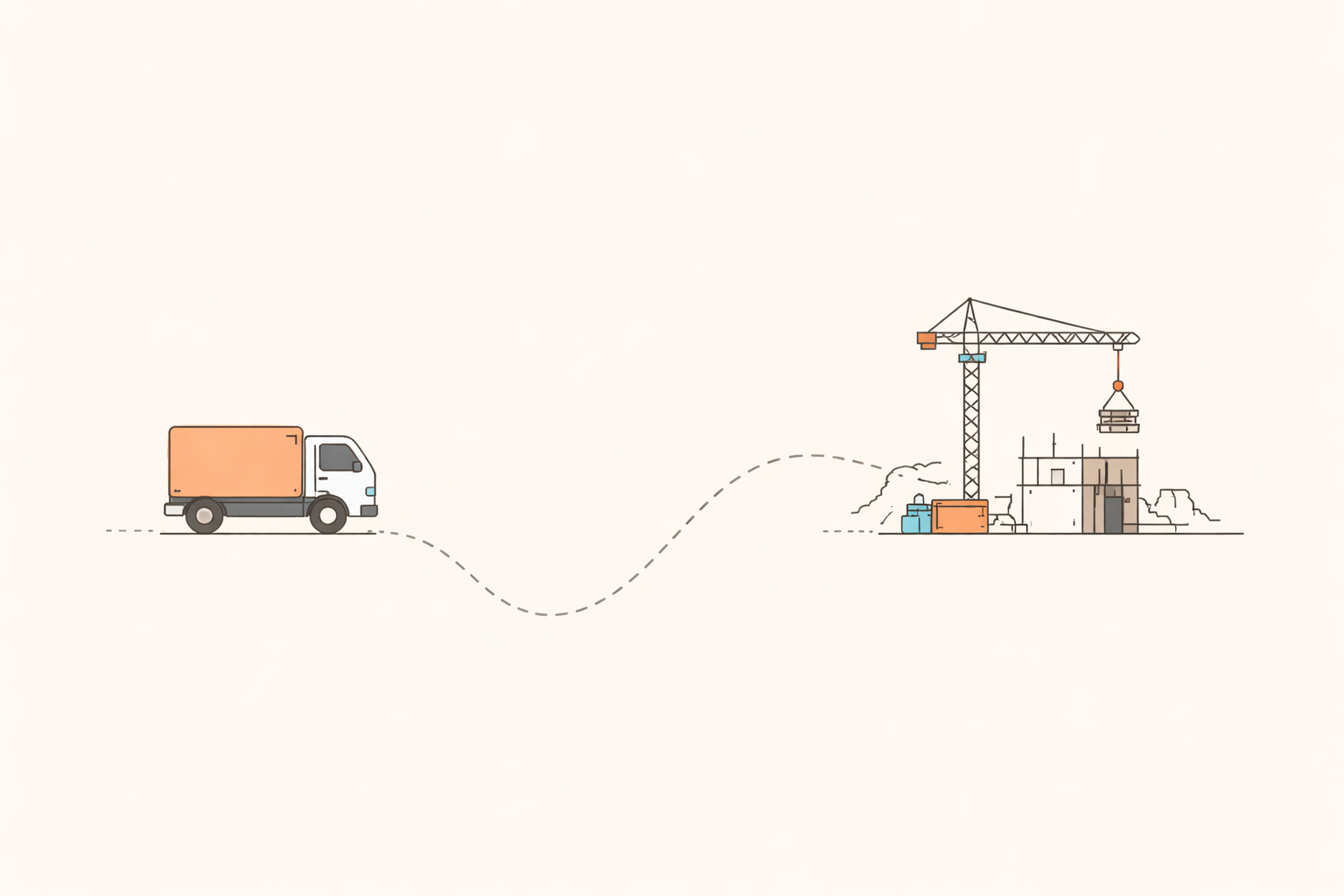
In Denmark — according to the Building Regulations (BR18), section Energy Consumption and Climate Impact (§250-§298) — Module A4 covers the transport of building products and materials to the construction site.
Module A5, on the other hand, covers the construction and installation process on site.
Why it matters now:
- From 1 July 2025, new climate requirements for the construction process (Modules A4 + A5) come into force for all new buildings.
- A new emission limit of 1.5 kg CO₂e/m²/year applies for Modules A4 + A5 combined.
- Waiting until the end of the project to collect the most optimal transport data will make it nearly impossible to document compliance — data must be collected as deliveries happen.
What exactly counts in module A4?
According to the Danish building regulations, module A4 covers:
- Transport of materials and products full distance from the manufacturing unit to the construction site.
- It also covers transport of equipment (like cranes, scaffolding etc) to and from the site.
- Transport of personnel to/from site is explicitly excluded.
- Some guidance says that when actual data is unavailable, you may use generic or standard transport values, but you should document assumptions. Therefore: Yes, A4 covers more than just factory-to-site material transport — it includes equipment transport to/from site. Return trips of equipment count; of materials (empty trucks) may be more tricky and should be handled via assumptions if data is missing.
Note that:
- Loss and damage to materials during transport may be excluded.
- Only construction processes related to the building’s built-up area, cf. the BBR Executive Order, are included.
- Transport of equipment weighing under 1 tonne may be excluded.
- Transport of materials that are not included in Table 6 may be excluded.
What Data to Collect for LCA A4?
For each delivery or delivery group, gather the following:
- Supplier name
- Product/building material or EPD identifier (if available)
- Dispatch address of the manufacturing unit (factory)
- Site address (construction gate address)
- Distance (km) or postal codes so the distance can be calculated
- Vehicle type (e.g., 26 t Euro VI rigid, 40 t articulated, electric truck, barge)
- Fuel/energy type (diesel, biodiesel/HVO, electricity)
Load factor (% capacity utilization on arrival) - Quantity (tonnes, m³, or pallets)
- Delivery date
- Evidence (delivery note, invoice, telematics data)
Where to Get A4 Data
Delivery notes and invoices
- Address, date, quantity
- Ask the supplier/haulier to add vehicle type, fuel type and dispatch address.
Telematics / haulage systems
- Actual distance, vehicle class, route log and sometimes load factor
- Use the supplier’s/haulier’s confirmation of distance and vehicle type, or calculate distance via postcode-to-postcode.
OR
Transport data from subcontractors
- Documented transport distances, vehicle type, number of trips
- If they cannot provide details, use documented assumptions (e.g. weight × distance × emission factor).
EPDs (via EPD Denmark)
- Standard A4 scenarios, modelling rules, standardised product IDs
- Use only as supporting information. EPDs for A4 can only be used when the actual transport distance from the production facility to the construction site is known.
Standard values
- Generic distances/transport types
- Use only when actual data for the full transport distance from the production facility cannot be obtained.
- This is typically the case for materials delivered via wholesalers, unless they provide complete transport documentation. Standard values may overestimate CO₂.

Workflow and Management — Best Practice
A. Add A4 Requirements to Contracts and Purchase Orders
- Specify that each supplier/haulier must provide A4 fields for every delivery.
- Include a one-page data specification as part of the procurement documents.
B. Centralize Data Collection
- Create a shared project inbox or folder where all delivery data is stored.
- Ask suppliers/subcontractors to upload weekly
C. Normalize Data Continuously
- Use a standardized Excel/CSV template.
- If load factor is missing, apply an assumed average (e.g., 70 % for full loads) — clearly document the assumption.
- If actual data cannot be collected, you must use the standard values from BR18 Annex 2, Table 10 for A4 and A5 transport.
D. Validate Regularly
- Compare gate logs and supplier data to ensure delivery counts match.
- Contact suppliers that repeatedly fail to provide A4 data.
- Responsibility for documentation lies with the developer or main contractor, and documentation must be submitted to the municipality upon completion.
E. Use a reporting platform
You can manage A4 data in spreadsheets and email folders — but it quickly becomes unmanageable once you have many suppliers and deliveries. A dedicated reporting platform helps you keep structure from day one and reduces the risk of missing documentation when the project closes.
With a platform like Acembee, you can:
- Collect data automatically
Forward invoices, delivery notes and exports to a dedicated project email. The platform reads the documents and extracts key A4 fields (supplier, distance, vehicle type, quantity, etc.) so your team doesn’t have to type everything manually. - Automatically flag missing data
Our system lets you know if some data is missing on the documents - and can automatically notify the sender about this, so that you don’t have to. - Combine all three documentation methods
Our system brings together EPDs, delivery notes, and standard values in one place automatically. You choose which data source you want to use, and the platform handles the rest. This way, you can optimise your calculations without juggling spreadsheets or switching between different methods. - Get a live overview of A4 and A5
See in one dashboard who has delivered data and who hasn’t, how A4 and A5 emissions are developing against the 1.5 kg CO₂e/m²/year limit, and where you have gaps or suspicious values. - Standardise and export documentation
Data is stored in a consistent format that can be exported to LCAbyg or other LCA tools, and bundled as a documentation package (e.g. ZIP with CSV + evidence) for submission to the municipality or advisors. - Reduce implementation risk
Site teams can keep working as usual (sending invoices and delivery notes as they do today) while the platform handles structure, validation rules and reminders in the background.
Curious how this could look in practice? You’re welcome to book a short demo. We’ll simply show the workflow and answer any questions you might have.

Does the level of detail required for A4 vary depending on project size?
Yes — Danish guidance acknowledges that the detail level of documentation may vary by project size, though the obligation remains. For example:
- The “Roadmap for method development” states that the method (and data quality) should be “reasonable” relative to the project’s size and what can be reliably collected.
- The guide from VidenCenter for Bygningers Klimapåvirkning notes that smaller or simpler projects may use generic data if more detailed data is not feasible. So: For large, complex projects you should aim for more granular data; for smaller ones, you can use simplified or generic values—but you must document your assumptions and be aware of the risk of less accuracy.
How are “empty return trips” or partial loads accounted for in A4 in practice?
This is an area of acknowledged uncertainty. Relevant points:
- The guide states that transport data may be simplified by using standard values when actual data is not available, but it also states assumptions should be “conservative” (i.e., err on the side of more emissions rather than underestimating).
- In a case study of the building site project “Mallinggårdsvej”, they found that the use of generic values (e.g., 500 km transport with standard truck) instead of actual data increased the calculated climate impact from A4/A5 by ~69%.
- Therefore, if you don’t capture empty return trips or partial loads explicitly, you may either underestimate or overestimate the impact depending on assumptions—but the guidance suggests using conservative assumptions rather than optimistic ones.
Hence: When you cannot get actual load factor or return‐trip data, you should document the assumption (e.g., “truck half full” is assumed load factor 50 %) and apply a conservative number. Using generic values to save time can lead to significant deviations from reality (either higher CO₂ or misrepresentation).
How to Actively Reduce A4 Emissions?
- Fewer deliveries: Plan larger loads, fewer trips.
- Choose nearby suppliers: Shorter transport distances, lower CO₂.
- Use low-emission transport: HVO or electric trucks where possible.
- Coordinate logistics: Manage delivery windows and staging areas efficiently.
These actions directly reduce A4 impact — now a regulated reporting requirement in Denmark.
Common Pitfalls and How to Avoid Them
- Collecting too late: deliveries are forgotten, data lost — start from day one.
- No dispatch address: impossible to calculate distance without it.
- “Truck” is not enough: specify vehicle class, fuel type, and load factor.
- Mixing A4 and A5: keep them separate — Danish regulations require distinct reporting for each (but under a combined limit).
- Using wholesaler delivery notes as A4 transport evidence: delivery notes from wholesalers usually cover only the final transport leg and do not represent full A4 transport. If full transport distance from the manufacturing unit is unknown, standard values must be used to avoid underreporting emissions.
- Overusing standard values: Use table values only when real data can’t be obtained — not to save time. They’re often higher than actual figures and can make your project’s CO₂ footprint look worse, risking non-compliance with the 1.5 kg CO₂e/m²/year limit.
At Acembee, we know A4 and A5 reporting takes time you’d rather spend on the actual build. That’s why our platform automates the heavy lifting, extracting data from invoices and delivery notes, keeping everything structured, and giving you a clear overview of progress and missing information. You stay fully in control of the documentation, while we make the process as fast and painless as possible. Book a demo to see how Acembee can take reporting off your plate and keep your project running smoothly.